Scan analytics playbook

Your scans are not vanity metrics. They’re Monday-morning decisions.

Same open-house weekend. Three placements. One dashboard that tells you which flyer to reprint, when interest actually spikes, and where to re-point a sold listing without reprinting a single sign.

Prefer the visual lesson? How it works · Why tracking matters

Free plan keeps the last 6 hours of analytics · Pro unlocks full history.

Time · place · placement · device No reprint when listings change Works with yard signs & flyers
The six signals

What you see → what it means → what you do.

Every card maps a real dashboard signal to a Monday-morning realtor action. No vanity charts — decisions only.

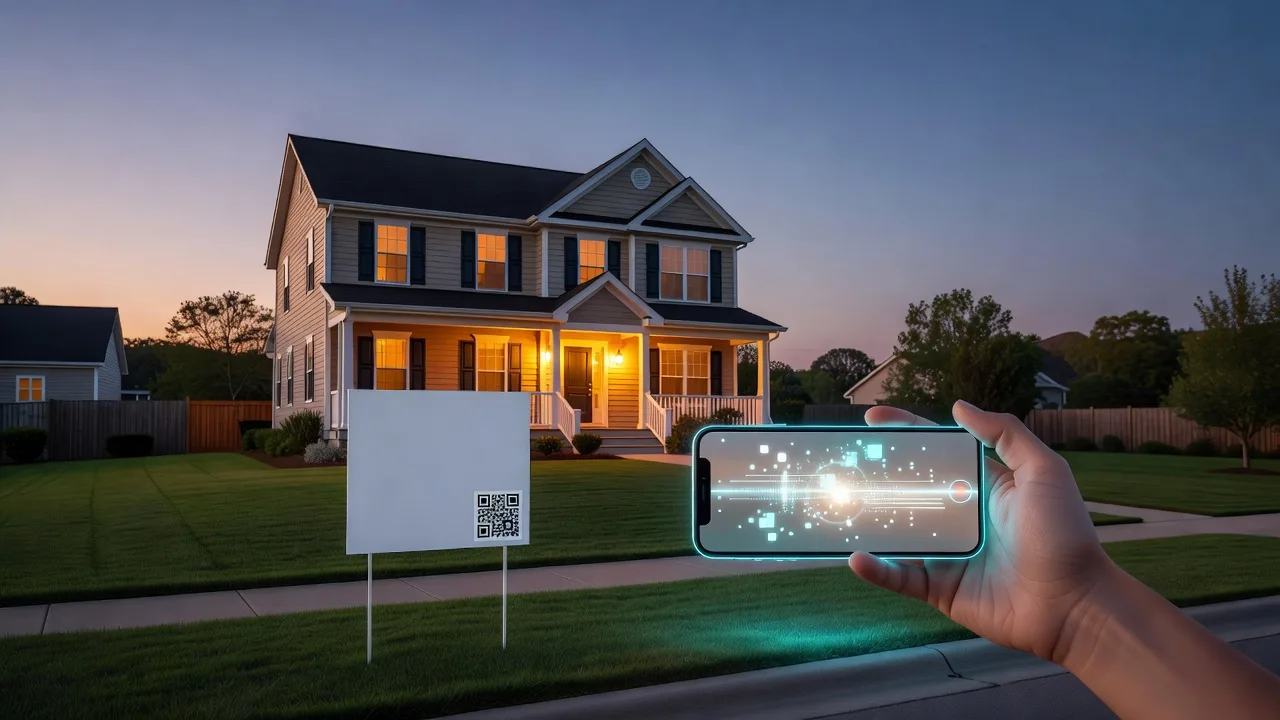
Phone scanning a yard sign QR at dusk outside a suburban listing
When

Scan timestamps & peak hours

You see

Scan timestamps, scans-by-day charts, and recent activity times on your analytics and link detail views.

That means

You know when interest spikes — after-work drive-bys, open-house hours, Sunday evening.

You do

Staff the open house or call window for peak hours. Schedule follow-ups within the 8-hour intent window. Plan flyer drops before proven peak windows.
Suburban neighborhood street with abstract location markers over homes
Where

City, region, country

You see

City, region, and country on recent scans plus Top Locations — neighborhood-level when available from network data.

That means

You know which neighborhoods and cities are producing curiosity.

You do

Farm the hot zip harder. Add a rider on the street that actually scans. Stop wasting postcard drops on cold areas.

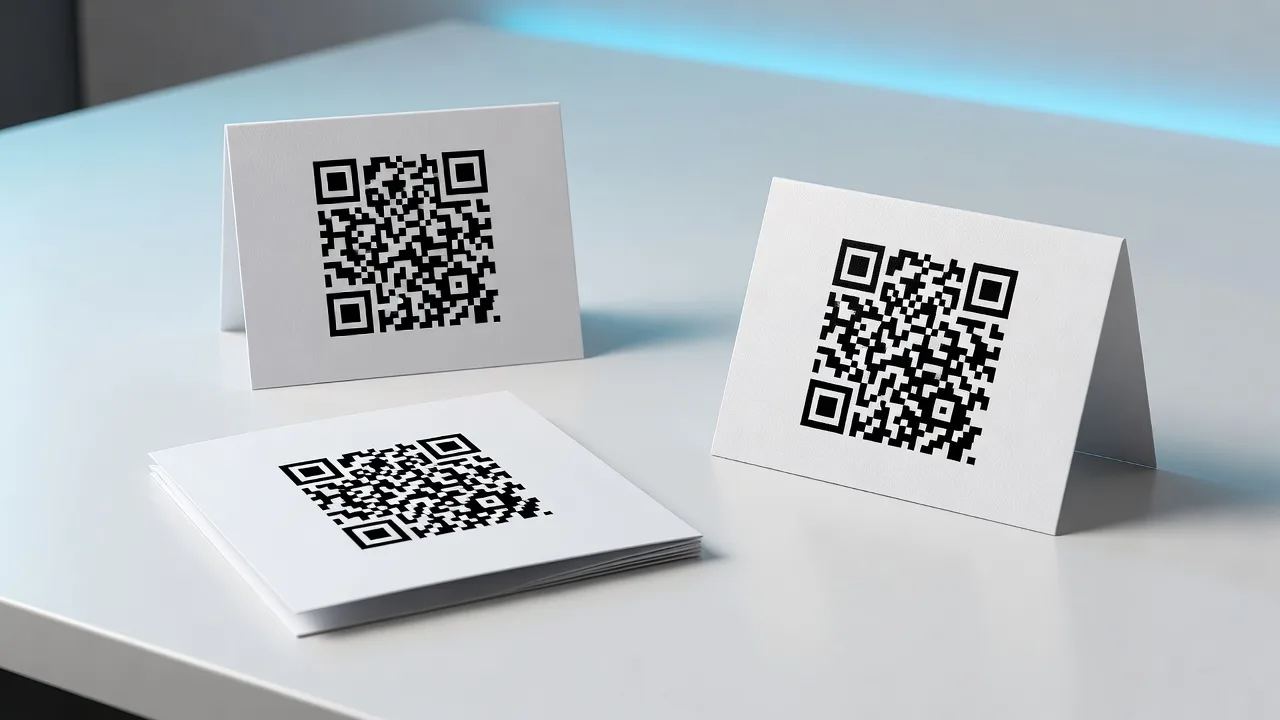
Three printed QR placements side by side on a desk
Placement

Which physical asset won

You see

Separate named links or short codes per yard sign, flyer, and open-house card — compared on your links list and per-link detail.

That means

You stop guessing whether the sign, flyer, or table card did the work.

You do

Reprint the winner. Kill or redesign the loser. Reallocate print budget before the next listing.

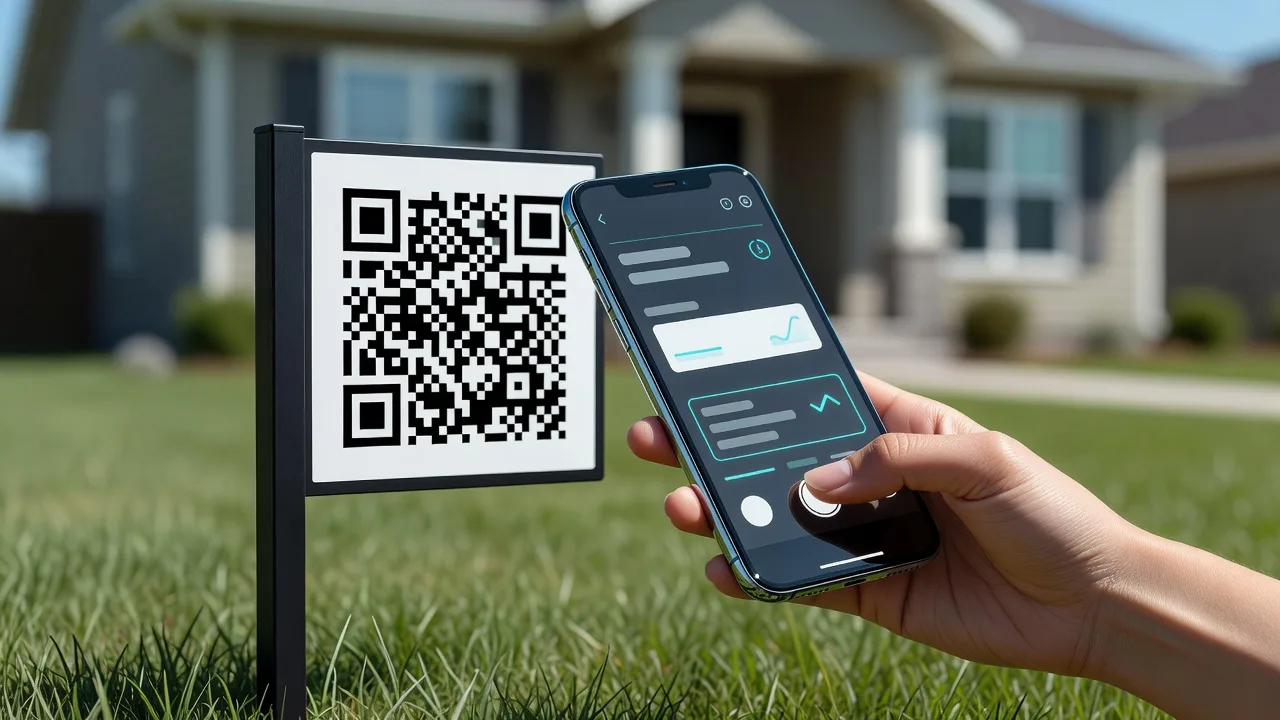
Hand holding a phone scanning a yard sign QR at the curb
Device

Mobile vs desktop

You see

Mobile / desktop / tablet breakdown on analytics and link detail device cards.

That means

Most yard-sign traffic is phone-in-hand — curb scanners, not office browsers.

You do

Keep destinations mobile-first: short form, click-to-call, fast gallery. Never send curb scanners to a desktop-only PDF.

Printed QR card in front of a tablet showing two abstract destination paths
Destination

Destination health

You see

High scans but weak bookings, or a dead destination after a status change — fixable via editable destinations, optional conversion tracking, and split tests.

That means

Print stays valid while the path improves.

You do

Monday: re-point a sold listing to “similar homes” or a home-value form. Swap a weak gallery for a booking form. Split-test two destinations without reprinting.

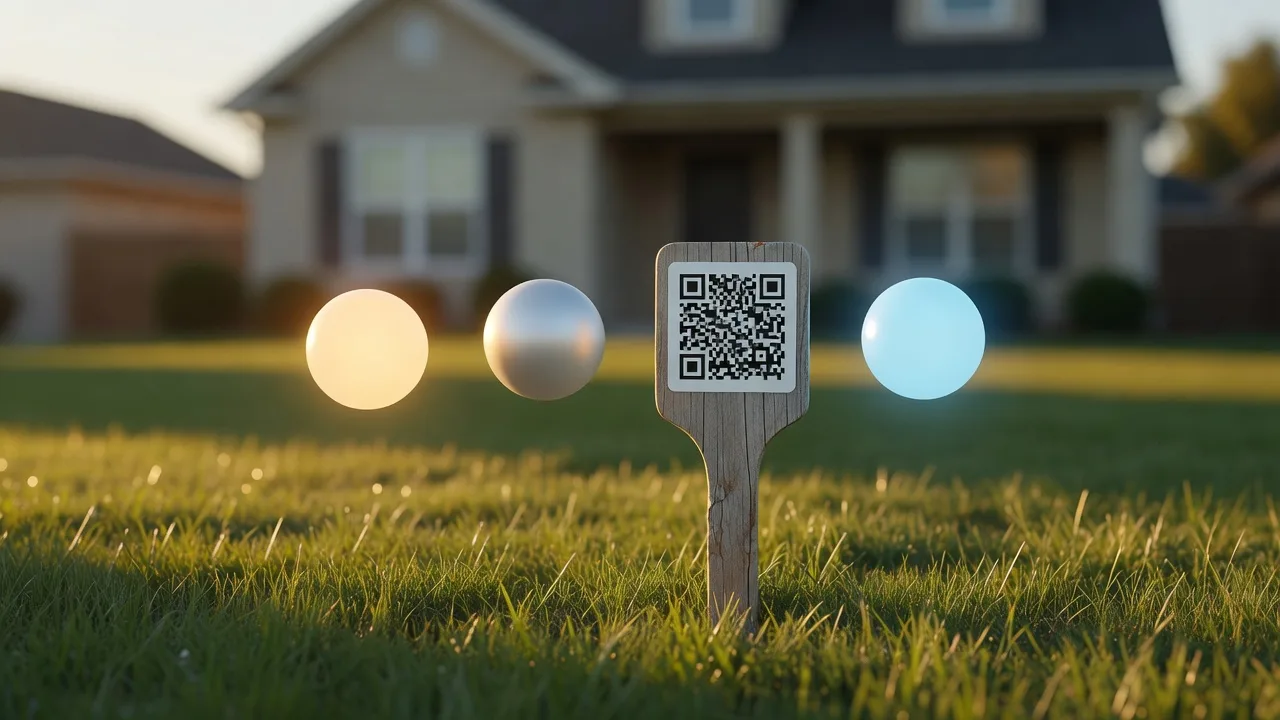
Fixed QR stake in a lawn with abstract stage orbs suggesting listing lifecycle
Lifecycle

Schedule & listing lifecycle

You see

Open house → after-hours → sold transitions via dynamic destination updates and scheduled QR routing.

That means

One printed square covers the whole listing lifecycle.

You do

Set open-house weekend URL → Monday “still available” → sold “similar homes” without new signs.

One weekend

Saturday print → Sunday dashboard → Monday steer.

A teaching walkthrough of Maple Street open house — static examples of what your dashboard will show, not a live embed.

  1. 1
    Saturday morning

    Print three named placements

    Create one dynamic QR per asset and name each link after the physical piece:

    • maple-yard
      Yard sign at the curb
    • maple-flyer
      Neighborhood flyer drop
    • maple-oh-card
      Open-house table card
  2. 2
    Sunday · 5:00 PM

    Read the dashboard

    Recent activity (illustrative):

    Recent activity · teaching example
    • 4:12pm Flyer iPhone Austin, TX
    • 5:03pm Yard sign iPhone Austin, TX
    • 5:41pm Open-house card Android Round Rock, TX
    14
    Flyer
    9
    Open house
    3
    Yard sign
  3. 3
    Monday morning

    Act on the signals

    • 1 Reprint the flyer. It won 14 scans — double the next print run before the next listing.
    • 2 Staff the evening window. Activity clustered late afternoon — keep call-backs ready in that window next weekend.
    • 3 Re-point after status change. When Maple goes pending or sold, edit the destination to “still available” or “similar homes” — no new signs.
Checklist

First listing playbook

  1. 1

    One dynamic QR per placement

    Create a code for the yard sign, flyer, and open-house card. Name each link after the asset so placement attribution stays clean.

  2. 2

    Point at a strong mobile destination

    Use the same mobile-first destination for all three — or variants if you are testing. Short form, click-to-call, fast gallery.

  3. 3

    Compare after the weekend

    Open link detail: compare counts, scan times, and locations across placements.

  4. 4

    Act

    Reprint the winner · re-point a weak destination · schedule the next status URL. See scheduled destinations for lifecycle routing.

  5. 5

    Optional Pro upgrades

    After you have an account, Pro unlocks full analytics history and conversion tracking when the destination is your own site — useful once the first listing playbook is working.

FAQ

Straight answers on what scans can (and can’t) show.

Can I see who scanned?
No name from the scan alone. A scan shows intent, placement, time, device, and location — not CRM identity. Point the destination at a lead form or open-house sign-in page when you need a name and contact.
How precise is location?
City and region when available from network data (IP / edge headers) — neighborhood-level when the data supports it. Not the scanner’s exact street address or GPS pin.
Free vs Pro analytics window?
Free keeps the last 6 hours of analytics. Pro unlocks longer history so you can review full open-house weekends and multi-week listing campaigns.
Do I need a different QR per flyer?
Yes for clean placement attribution — or use clearly named variants. One shared code across every piece collapses “which flyer won?” into a single number you cannot act on.
What if the house sells while signs are still up?
Edit the destination — re-point to “similar homes,” a home-value form, or your agent profile. The printed QR stays the same; no reprint required.

Create the first tracked QR for your next listing.

Name each placement, watch the weekend, and walk into Monday with a clear reprint / re-point plan.

Realtor home

How it works · Why track · Scheduled QR

Free for 5 QR codes · last 6 hours of analytics on Free · Pro for full history.