How to get started

A short lesson in turning curbside interest into trackable leads.

Teach a realtor why the QR code on a yard sign should not point to a static page. It should identify the placement, capture intent, and show which offline materials create real conversations.

Watch the lesson
One listing Three placements One dashboard
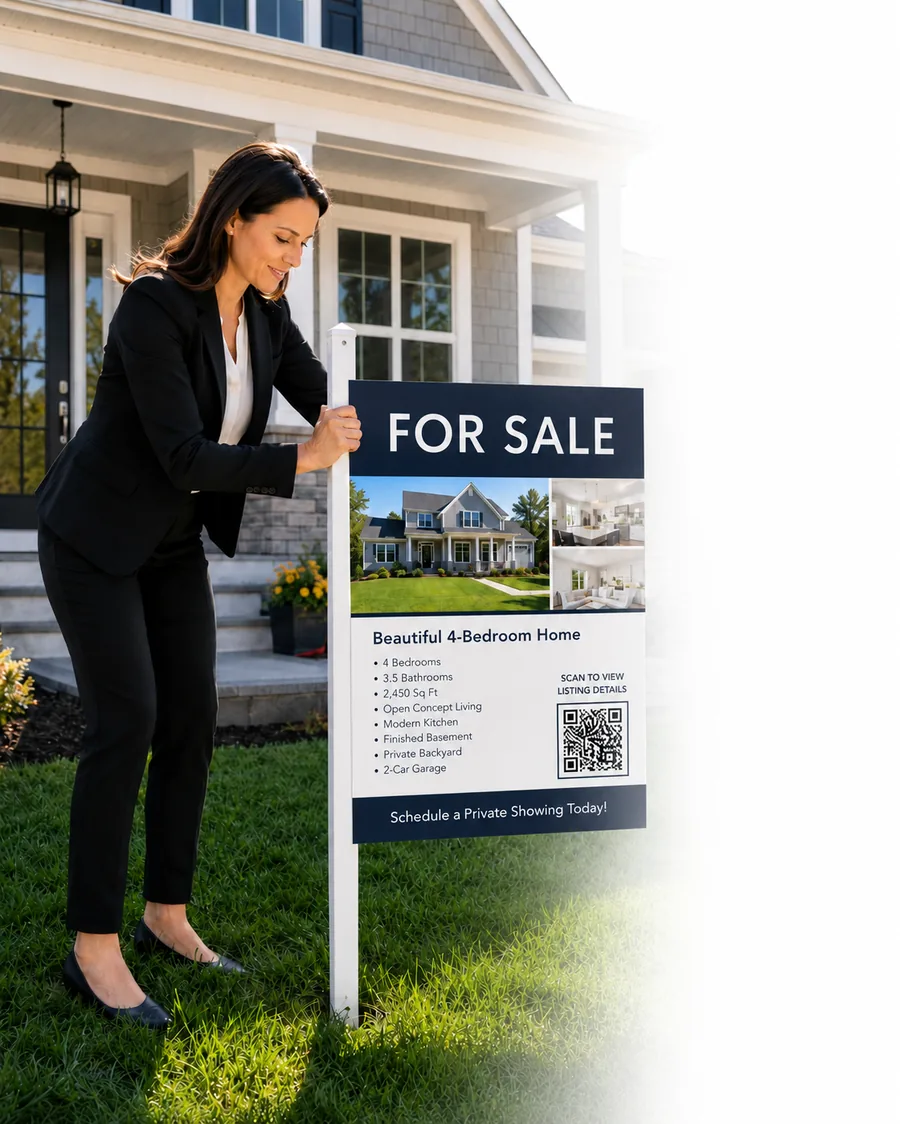
Realtor placing a yard sign with a QR code outside a listed property
142-oak-st
Scan to tour
01 The setup

A sign goes in the ground. A code goes on the sign.

Every yard sign, flyer, and mailer you place gets a unique QR code. No app for the buyer to download — they point their phone camera, and they're on the listing.

The problem: today you have no idea who scanned. Did the sign on Elm Street get 2 scans or 200? You won't know until closing time — and by then, the buyer is long gone.

02 The visibility

Now you see every scan, every property, every lead.

QRPro's dashboard shows you scans in real time. Which listing, which sign, what device, what neighborhood. Hot leads ping your phone within seconds of the scan.

  • Per-property scan counts so you know which listings pull interest.
  • Instant lead alerts the moment a buyer scans your sign.
  • Dynamic QR codes — update the destination anytime, no reprinting.
Q
QRPro Dashboard
Maria Chen · Premiere Realty
Last 30 days
Overview Codes Leads Listings
Total scans
847
↑ 23%
Unique leads
612
↑ 18%
Avg. response
4m
↓ 12%
Scans over time
Scans Leads
Recent scans Live
412 Maple Avenue
Yard sign · iPhone · 2.4 km away
just now
88 Riverside Drive
Flyer · Android · 0.8 km away
3m ago
412 Maple Avenue
Yard sign · iPhone · 1.1 km away
7m ago
From dashboard to Monday morning

You see the scan. Here’s what you do next.

The dashboard is not a vanity scoreboard. Each signal maps to a concrete realtor action — reprint, farm, re-point, staff the right window.

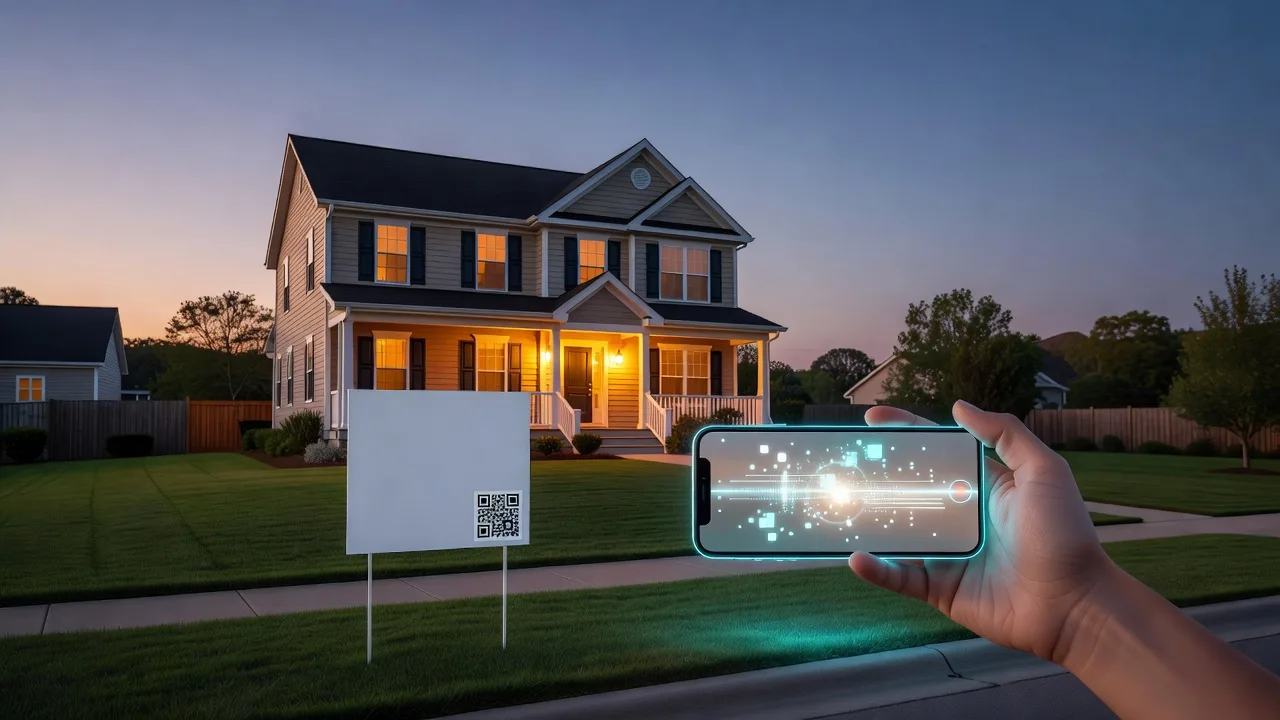
Phone scanning a yard sign QR at dusk outside a suburban listing
When

Peak hours & timestamps

You see
Scan times and scans-by-day on analytics and link detail.
That means
Interest spikes after work, open-house hours, Sunday evening.
You do
Staff the peak window. Call back within the 8-hour intent window. Drop flyers before proven peaks.
Suburban neighborhood street with abstract location markers over homes
Where

City, region, neighborhood

You see
City / region on recent scans and Top Locations (when network data has it).
That means
Which neighborhoods are producing curb curiosity.
You do
Farm the hot zip. Add a rider on the street that scans. Stop cold postcard drops.
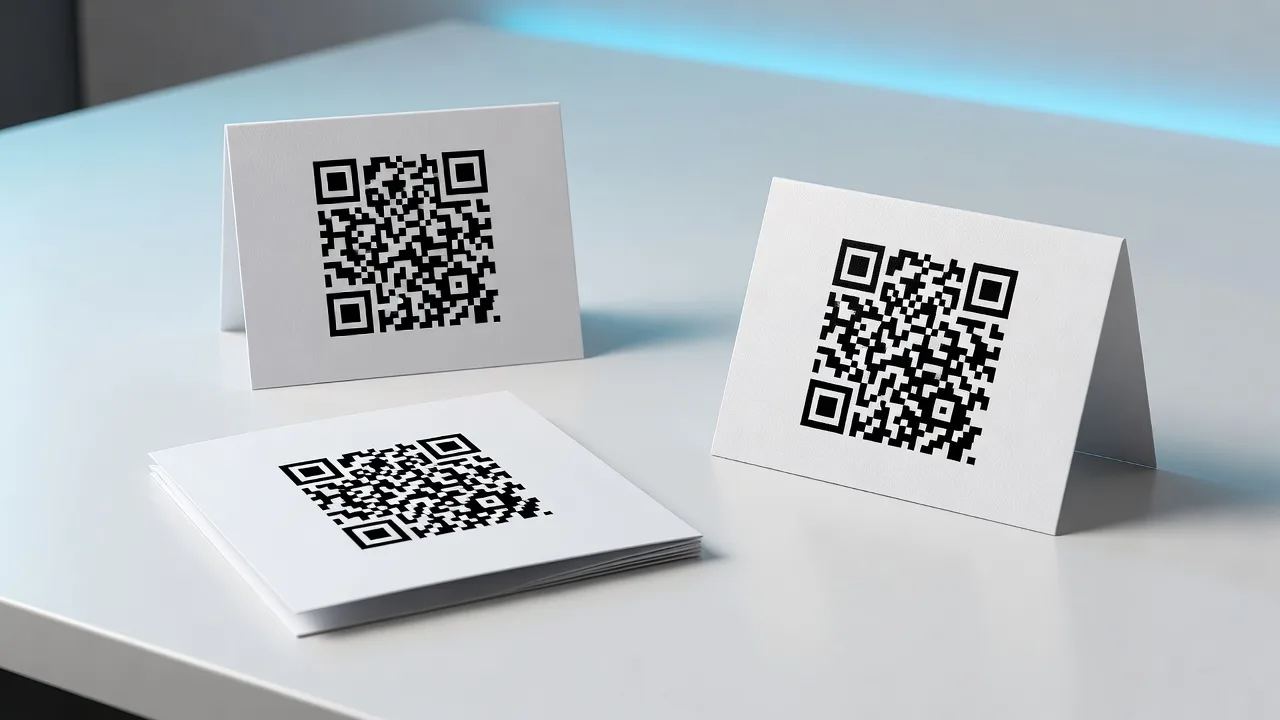
Three printed QR placements side by side on a desk
Placement

Which piece of print won

You see
Named links per yard sign, flyer, and open-house card — compared side by side.
That means
You stop guessing whether the sign or the flyer did the work.
You do
Reprint the winner. Kill or redesign the loser. Reallocate print budget before the next listing.
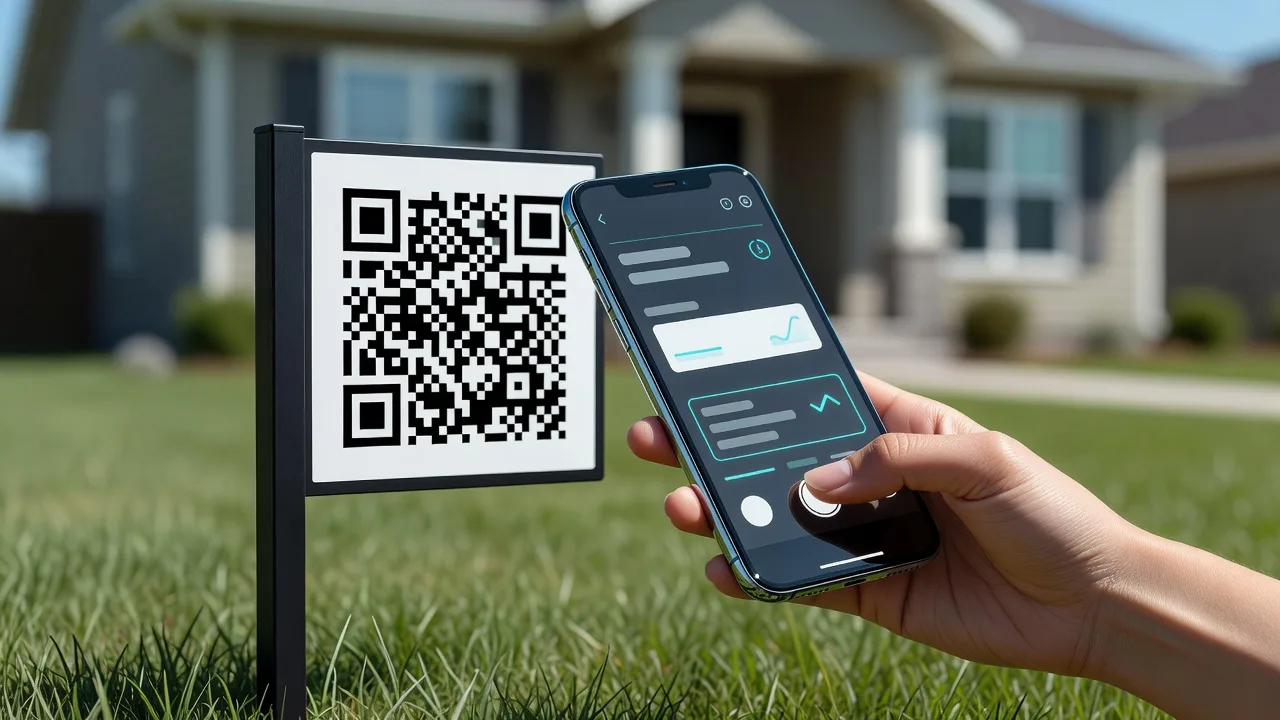
Hand holding a phone scanning a yard sign QR at the curb
Device

Phone-in-hand traffic

You see
Mobile / desktop / tablet breakdown on the dashboard.
That means
Yard-sign scanners are on the curb with a phone — not at a desk.
You do
Send them mobile-first: short form, click-to-call, fast gallery. Never a desktop-only PDF.
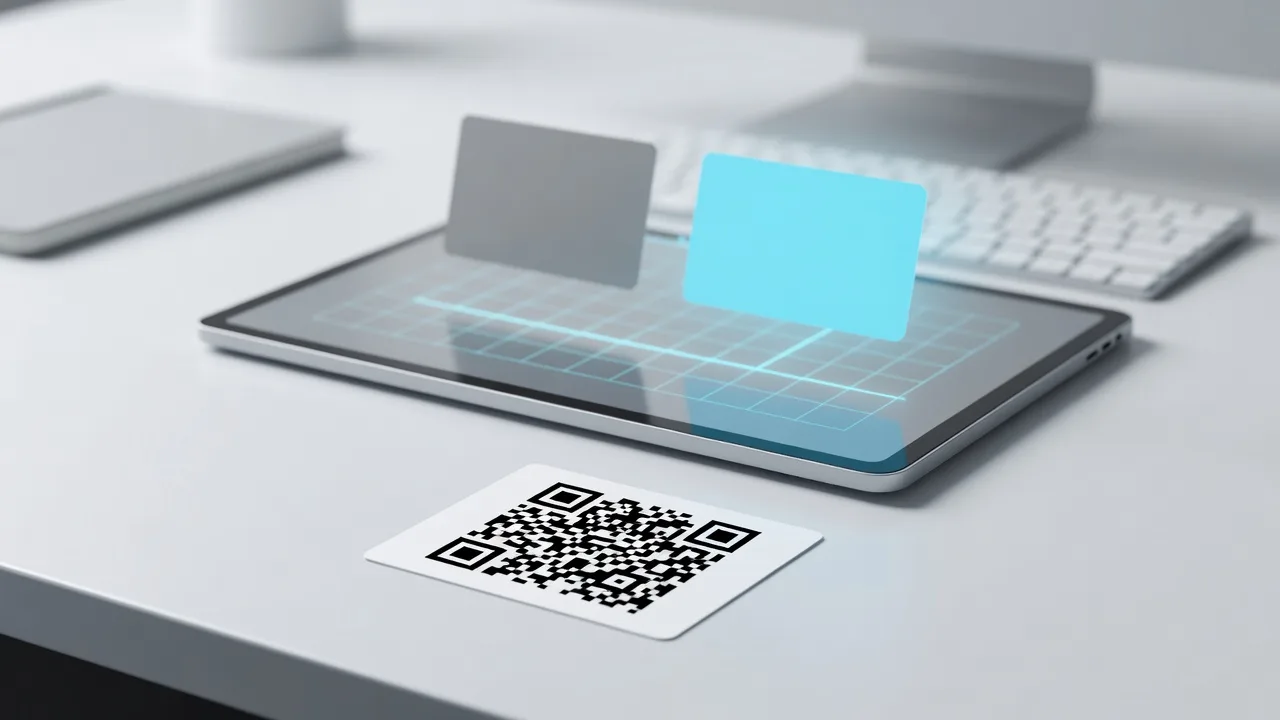
Printed QR card in front of a tablet showing two abstract destination paths
Destination

Path health after the scan

You see
High scans but weak leads — or a dead page after a status change.
That means
Print can stay; the destination is the lever.
You do
Re-point sold listings to “similar homes” or a home-value form. Split-test destinations without reprinting.
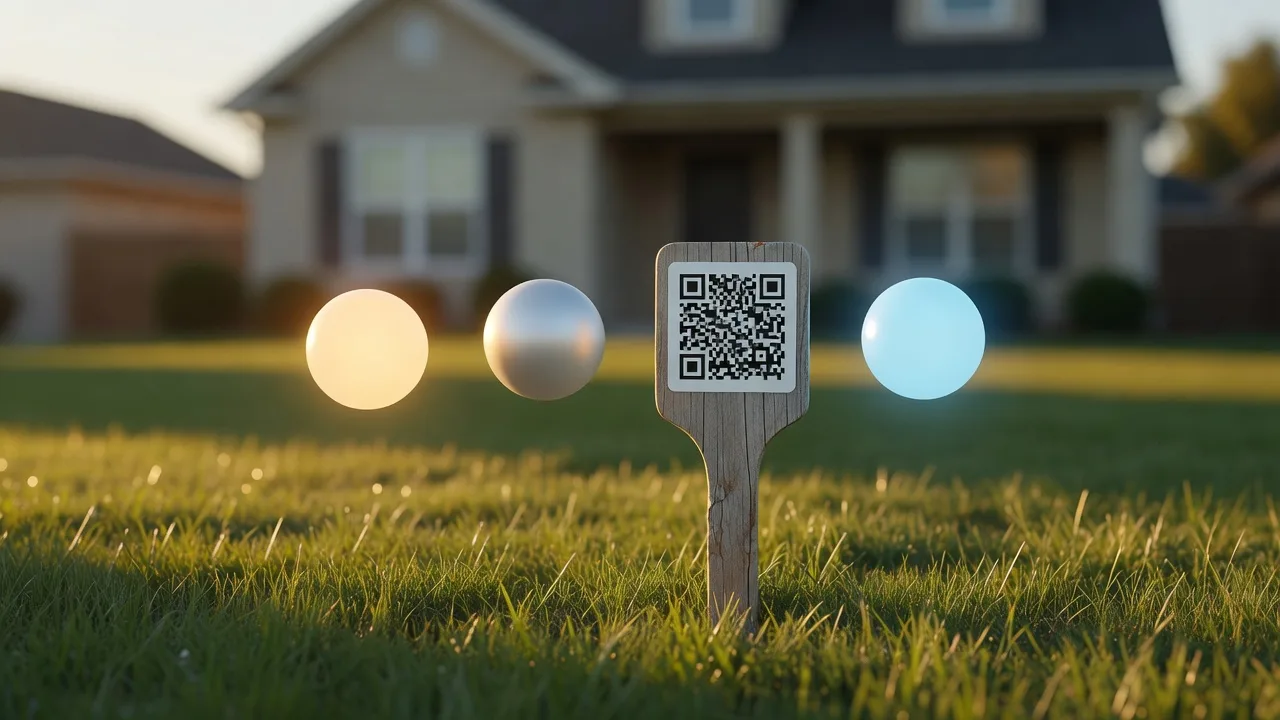
Fixed QR stake in a lawn with abstract stage orbs suggesting listing lifecycle
Lifecycle

Open house → still available → sold

You see
One dynamic code across weekend, after-hours, and sold transitions.
That means
One printed square covers the whole listing lifecycle.
You do
Set open-house URL → Monday “still available” → sold “similar homes” without new signs.

Want the full open-house weekend walkthrough? Open the scan → action playbook →

Launch playbook

First campaign: one listing, three placements, one dashboard.

01

Print

Create a dynamic QR code for the listing and print it on the sign rider, flyer, and open-house card.

02

Label

Give every placement its own source name so the dashboard can separate curb traffic from handouts.

03

Follow up

Review scans and captured leads after the weekend, then update the destination for the next listing.

Create the first tracked QR for your next listing.

Start with one listing. QRPro shows whether the sign, flyer, or open-house material created the buyer conversation.